Build Your Own Image Guided Surgery System
Obtain a suitable test phantom, in this case a prostate phantom.
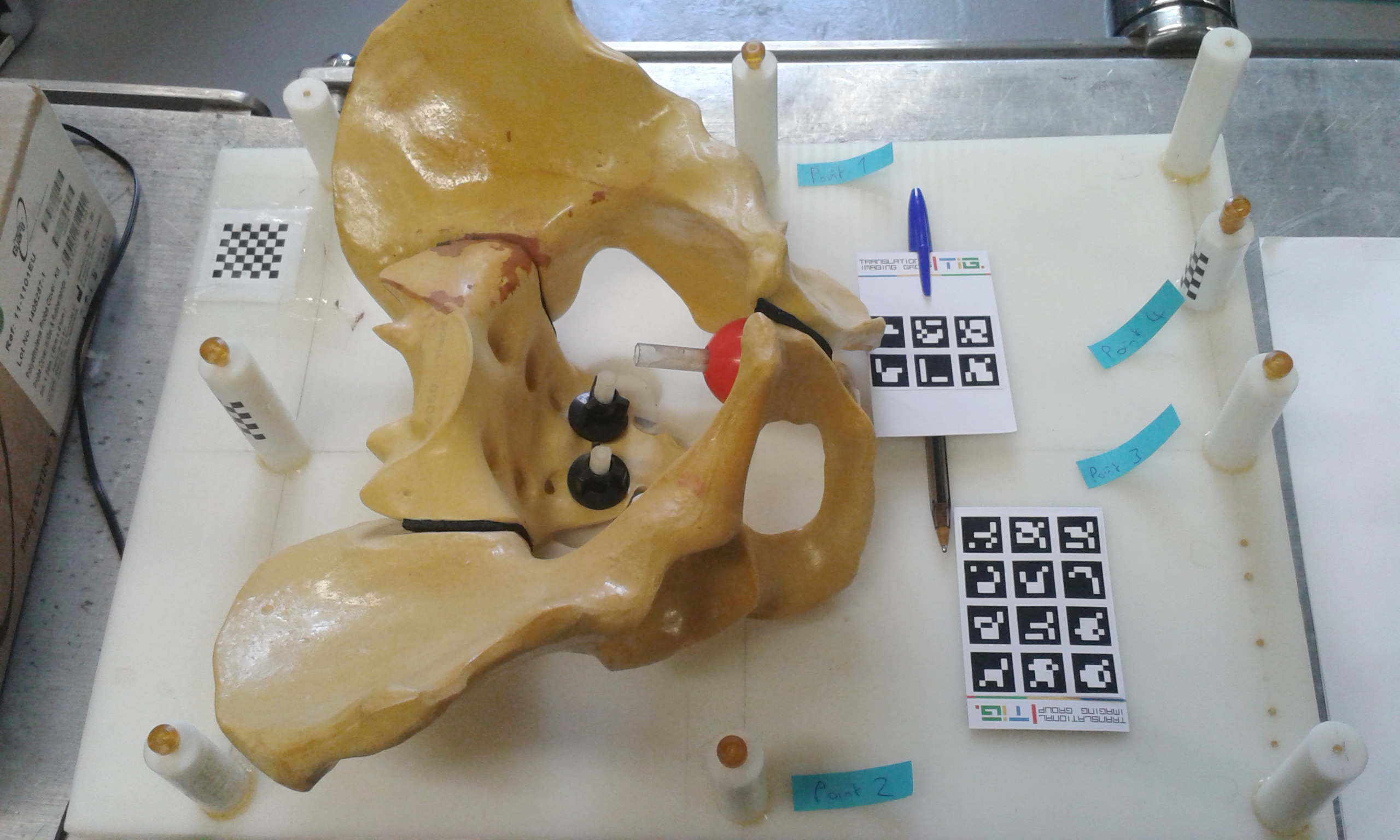
Find a USB camera, there are a few in the lab, or we can use a tablet with a rear facing camera.
Get B.A.R.D.
git clone https://github.com/SciKit-Surgery/scikit-surgerybard.git
or navigate to https://github.com/SciKit-Surgery/scikit-surgerybard and use the download button
Use conda to create a new environment.
cd scikit-surgerybard
conda create -n bard python=3.10
conda activate bard
pip install tox
tox
5. If any of the commands failed, speak to a lab assistant. Assuming tox ran successfully, you can activate a virtual env built by the tox command.
For Mac and Linux, activate the virtual environment using command
source .tox/test/bin/activate
For Windows, activate the virtual environment using command
.tox\test\Scripts\activate
If all goes well the prompt should be preceded by (test), which is the name of the virtual environment created by tox.
You should now have BARD setup with all dependencies in your computer. Continue with the next task.